> ## Documentation Index
> Fetch the complete documentation index at: https://moengage-unity-sdk-initialization-split.mintlify.site/llms.txt
> Use this file to discover all available pages before exploring further.
# Why Is the Popup TypeForm survey 2 Template Blank on the Preview Page?
> Popup TypeForm survey 2 template showing blank in the campaign preview? Add your survey URL to the IFRAME to display the template in MoEngage.
## Problem
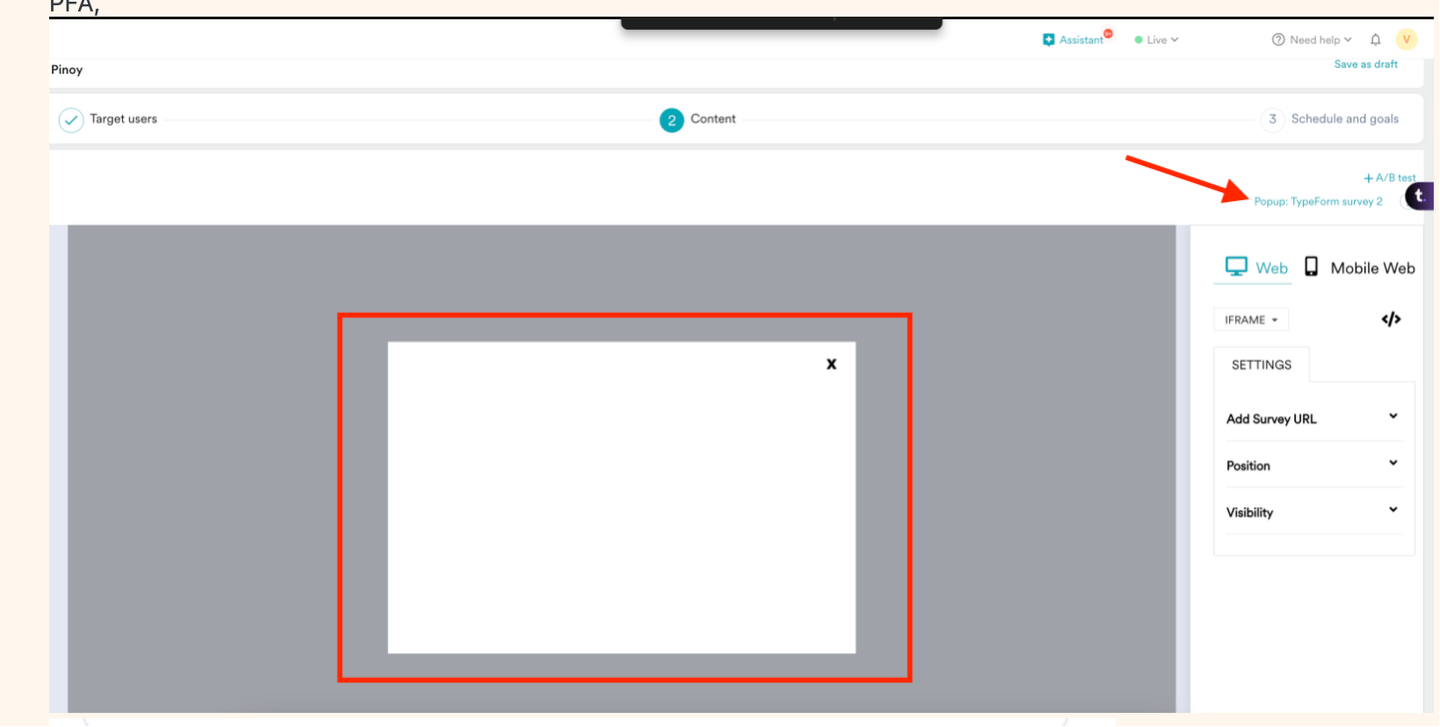
The **Popup: TypeForm survey 2** template shows no content because the campaign preview has an issue.
##  ## Solution
* The template is visible in the campaign preview after you add the survey URL in the IFRAME.
## Solution
* The template is visible in the campaign preview after you add the survey URL in the IFRAME.
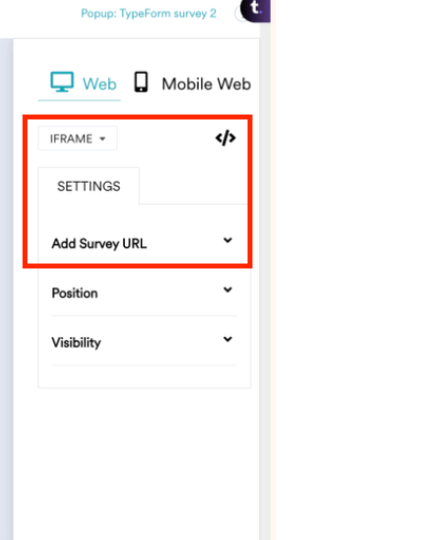
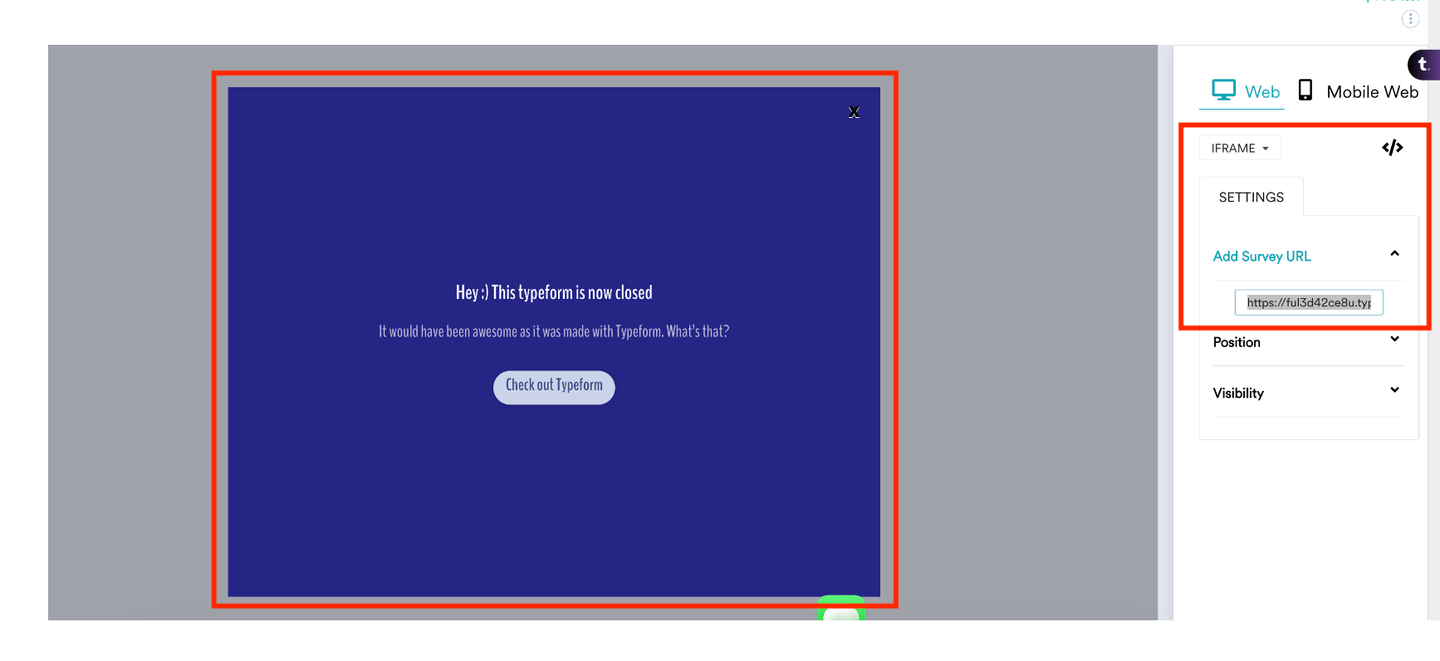 * The template will be displayed accordingly after adding the survey URL to the IFRAME.
This is applicable only to the **Popup: TypeForm survey 2** template.
* The template will be displayed accordingly after adding the survey URL to the IFRAME.
This is applicable only to the **Popup: TypeForm survey 2** template.