> ## Documentation Index
> Fetch the complete documentation index at: https://moengage-unity-sdk-initialization-split.mintlify.site/llms.txt
> Use this file to discover all available pages before exploring further.
# How to Troubleshoot Campaigns with Segmentation Scenarios Containing Date of Birth?
> Fix issues with birthday-based campaigns not reaching users by validating date-of-birth segmentation conditions and time zone settings in MoEngage.
## Problem
Users segmented based on their date of birth are not receiving campaigns.
## Instructions
Perform the following steps:
1. Validate the segmentation condition used. Ensure the birthday condition is set to "Birthday yearly where the date is today."
 2. Ensure the timing is set based on the user’s time zone.
## Example
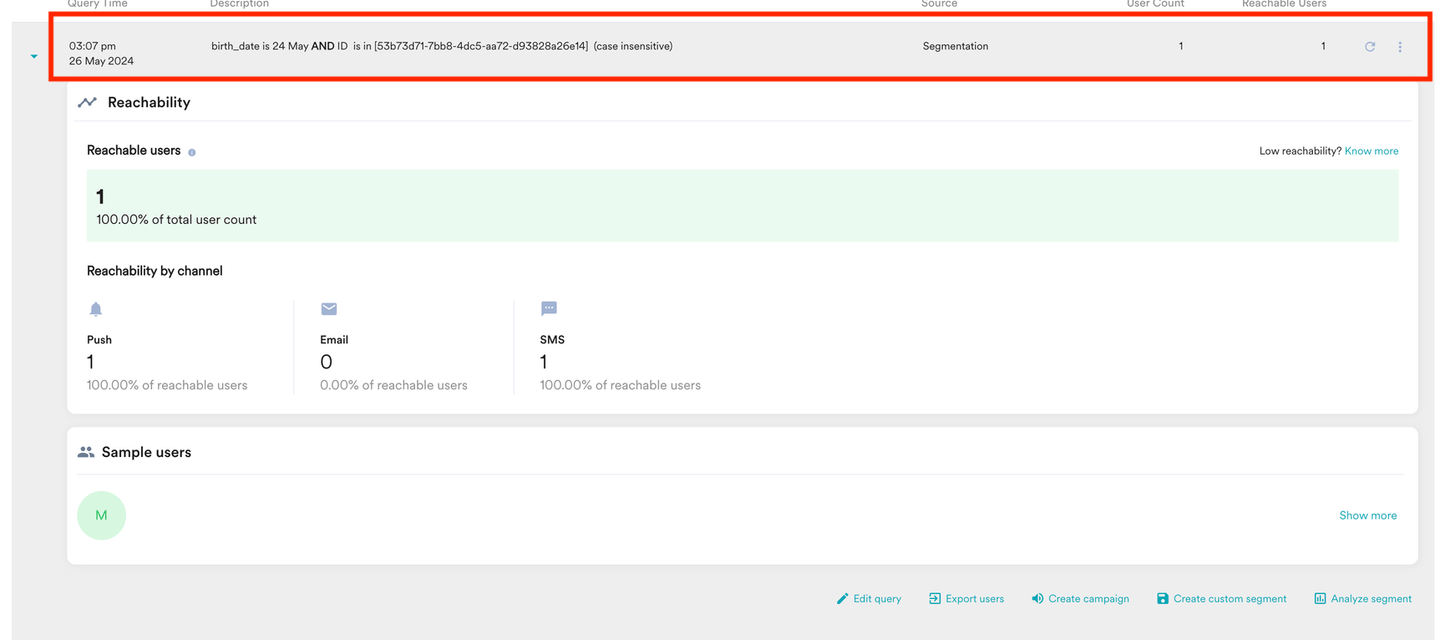
If a user's birth date is May 24, 1998, at 3:00, and they did not receive the campaign:
* The birth date is stored in the MoEngage data warehouse as "1998-05-24 00:00:00.000."
* If the database time zone is Egypt (UTC '+03:00), the birth date is adjusted accordingly.
If the segment execution time was recorded at "2024-05-24T21:45:02.804+00:00" (UTC) in the Egypt time zone, it converts to "2024-05-25T00:45:02." Thus, the date becomes May 25, causing the issue.
The birth\_date attribute is a custom attribute.
2. Ensure the timing is set based on the user’s time zone.
## Example
If a user's birth date is May 24, 1998, at 3:00, and they did not receive the campaign:
* The birth date is stored in the MoEngage data warehouse as "1998-05-24 00:00:00.000."
* If the database time zone is Egypt (UTC '+03:00), the birth date is adjusted accordingly.
If the segment execution time was recorded at "2024-05-24T21:45:02.804+00:00" (UTC) in the Egypt time zone, it converts to "2024-05-25T00:45:02." Thus, the date becomes May 25, causing the issue.
The birth\_date attribute is a custom attribute.