

Sender Configuration
To configure a Sender from Yellow.ai on the MoEngage Dashboard, do the following:- Go to Settings -> WhatsApp -> Sender Configuration.
- Click +Add connector on the left menu.
- Choose Yellow.ai from the list of WA providers or connectors available in the dropdown and click Done.
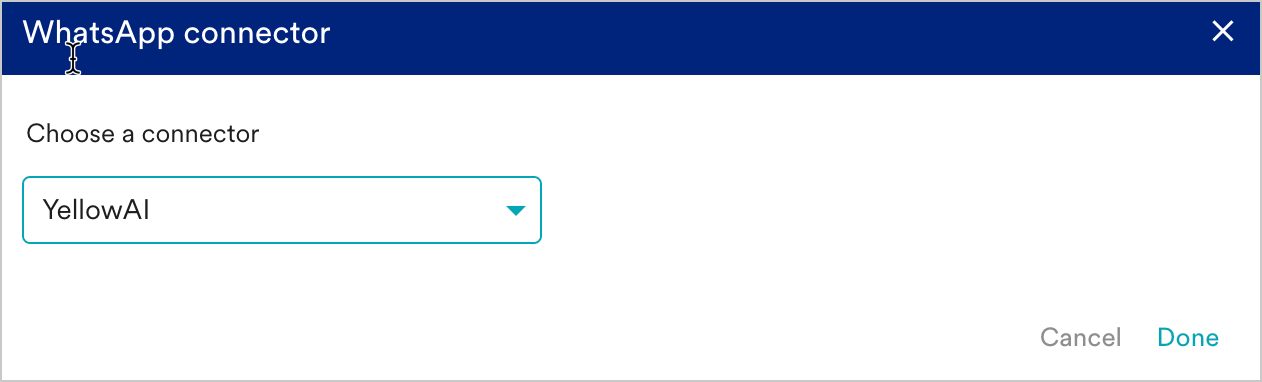
- Click on + Sender at the top right corner of the screen to configure the sender details, as explained below.
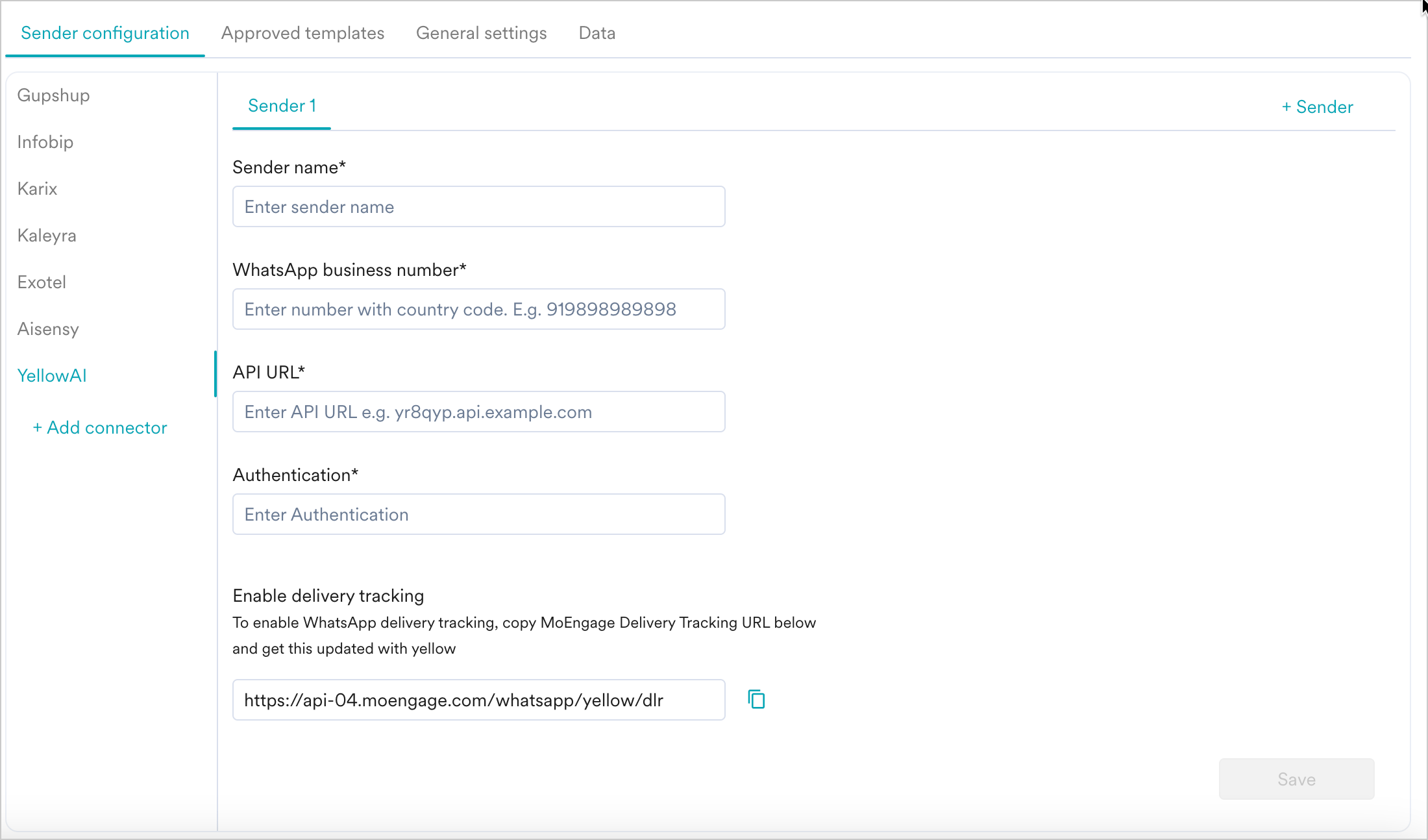
- Add the following details:
| Field Name | Description |
|---|---|
| Sender name | This field denotes the name you want to provide to the Sender profile. This would be available in the Sender so that you can recognize this easily while using it to create a campaign inside MoEngage. The Sender Name should be between 5-50 characters. This is a mandatory field. |
| WhatsApp business number | This field denotes the phone number registered with WhatsApp (directly or via Yellow.ai) using which you want to send out WhatsApp Messages to your users.__ This is a mandatory field and is also referred to as the WABA number. |
| API URL | Share the delivery tracking URL available in the Sender Configuration screen with your Yellow.ai POC to receive the API URL (Webhook URL). Paste the URL shared in the API URL field. |
| Authentication | Share the delivery tracking URL available in the Sender Configuration screen with your Yellow.ai POC to receive the Authentication (API Key). Paste the API Key shared in the Authentication field. |
| Enable delivery tracking | To track the delivery of your WhatsApp Messages inside MoEngage, you would need to copy the MoEngage Delivery Tracking URL and share it with Yellow.ai to get it updated in the MoEnagge-Yellow platform integration. The delivery tracking URL is available in the WhatsApp MoEngage Dashboard as shown below: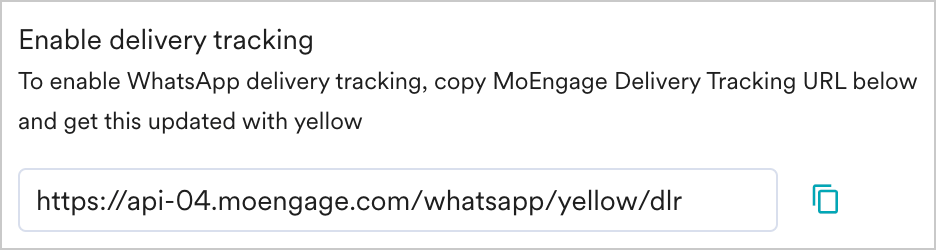 Note: The delivery tracking URL is a sample URL. Copy the exact URL from your MoEngage Dashboard before you share it with the Yellow.ai team. |
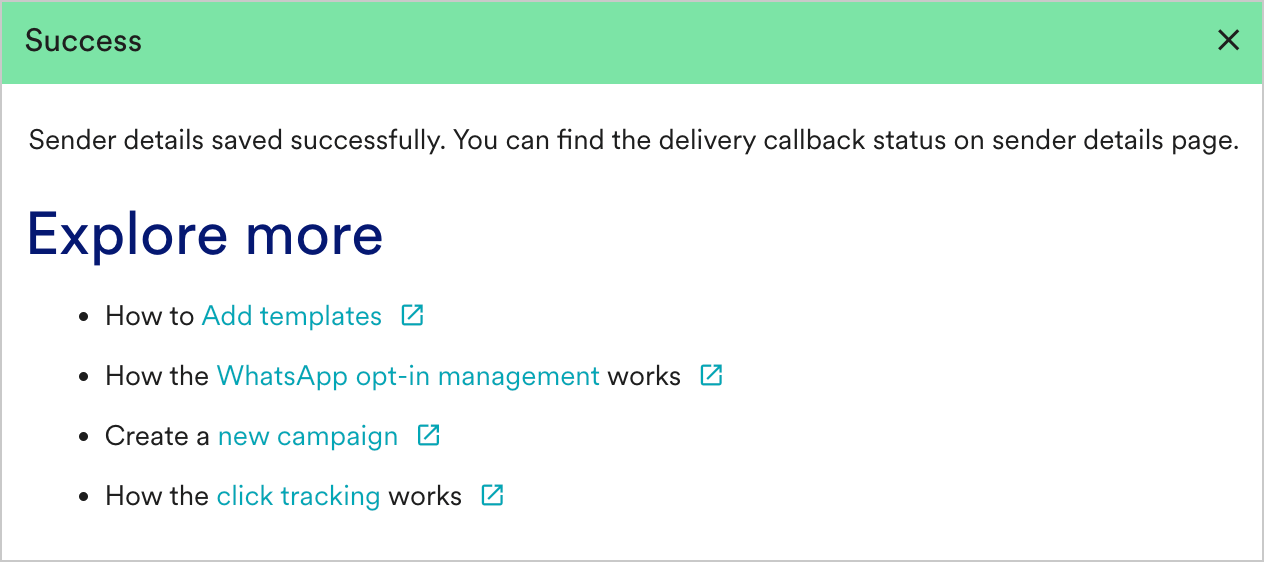
- Click Save. Upon successful integration, you will get the following message.
Steps to perform in the Yellow.ai platform’s integration
- Go to the Yellow.ai platform’s integrations page.
- Copy Postback URL — Choose MoEngage and copy the postback URL mentioned in the instruction section (on the right side of the page).
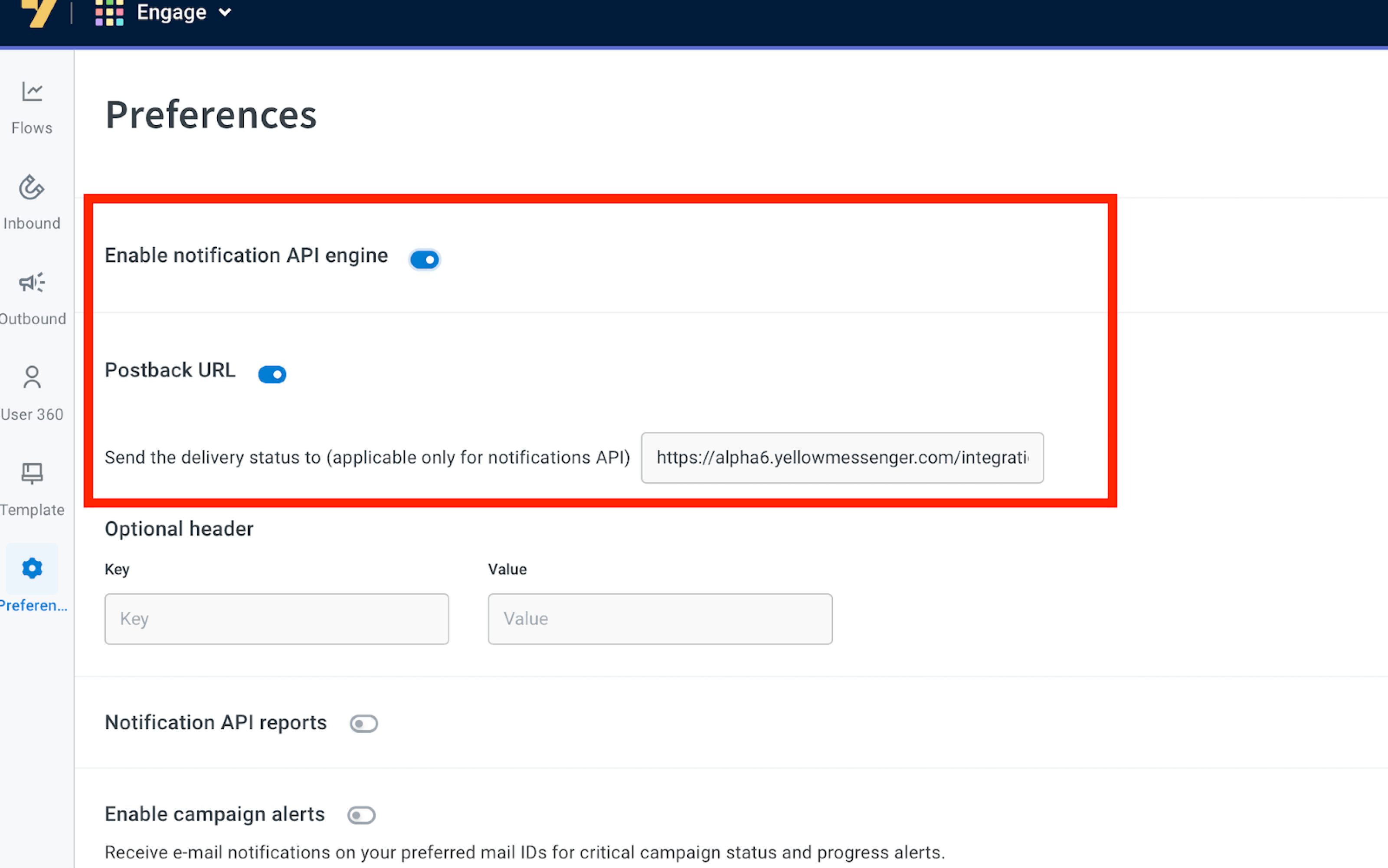
- Enable Postback URL and Notification Engine API
- Navigate to Engagement > Preferences.
- Enable both the Postback URL and Notification Engine API.
- Paste the Postback URL copied from the previous step
- Click Save to confirm.
- You should have pre-approved templates with Yellow.ai to create a WhatsApp campaign for a Yellow.ai Sender in MoEngage. You can create templates in Yellow.ai’s engagement section.
- You can create the same template verbatim in MoEngage. For more information, refer to Add Templates.